The Silent Janitor: Why Your Office Floor is Your Newest Productivity Metric
Imagine walking into your office on a Monday morning to find the carpets crisp, the hardwood gleaming, and not a single stray staple or coffee crumb in sight—all without hiring a late-night cleaning crew.
In the modern workplace, a robot vacuum isn’t just a gadget; it’s a strategic investment in employee health and office aesthetics.
We’ve tested thousands of units to find the ones that don’t get “stuck” on chair legs or eat your Ethernet cables, ensuring your workflow remains as uninterrupted as your floors are clean.
Why Standard Home Vacuums Fail in a Professional Office Setting
While your robot at home might be a hero for picking up pet hair, an office environment is a different beast entirely, featuring high-traffic zones, heavy-duty carpets, and a maze of rolling chairs.
Commercial spaces require superior LiDAR navigation, massive battery life to cover 2,000+ square feet, and sophisticated AI obstacle avoidance to navigate around desks and tangled wires.
Using a consumer-grade model in an office often leads to “death by a thousand tassels” or a vacuum that runs out of juice halfway through the lobby.
To ensure your investment pays off, look for these specific “Office-Ready” specs:
- LiDAR 4.0 Navigation: Essential for mapping complex layouts with multiple rooms and cubicles.
- Dual-Brush Systems: Necessary for extracting deep-seated dirt from low-pile commercial carpets.
- HEPA Filtration: A non-negotiable for maintaining air quality and reducing office allergens.
- DND (Do Not Disturb) Modes: Allows the robot to pause cleaning during important board meetings.
- Self-Emptying Docks: Because no office manager wants to empty a tiny dustbin every three hours.
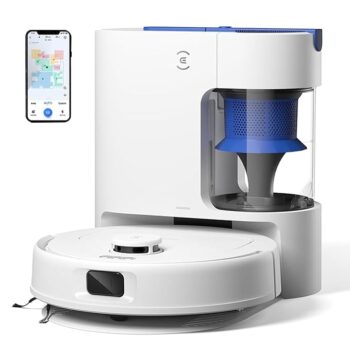
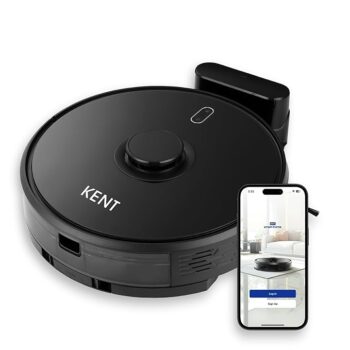
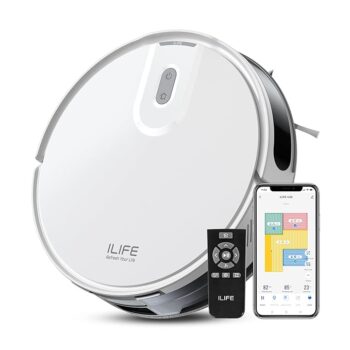
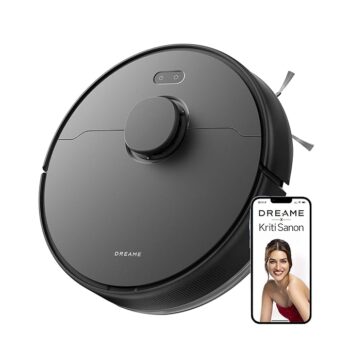
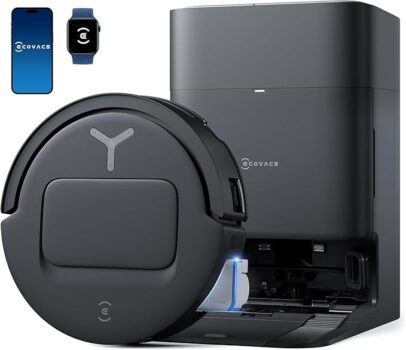
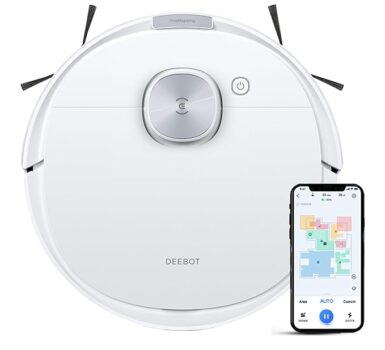
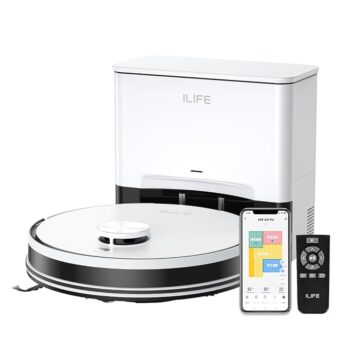
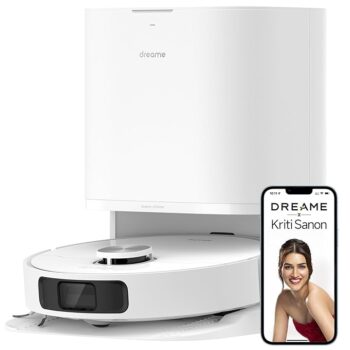
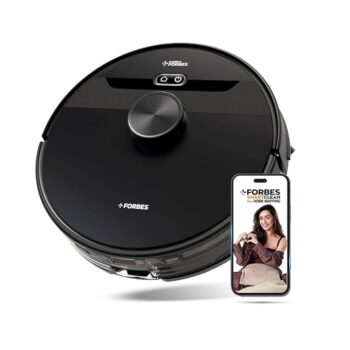
The Heavyweights: Top 3 Robot Vacuums for Office Usage
Finding the “best” depends on your floor type, but for 2026, the market has shifted toward “set-it-and-forget-it” autonomy.
The following models represent the pinnacle of AI-driven floor care, specifically selected for their ability to handle the rigors of a 9-to-5 environment without needing a babysitter.
These units excel in durability and software stability, which are the two most critical factors when you aren’t there to watch over them at 2:00 AM.
Managing Noise: How to Schedule for Zero Work Disruption
One of the primary concerns for any office manager is the decibel level of a vacuum while employees are on sales calls or focusing on deep work.
Modern high-end robots offer “Quiet Modes” that operate under 60dB, which is roughly the volume of a normal conversation, but the best strategy is always smart scheduling.
By utilizing the dedicated smartphone apps, you can map out “No-Go Zones” for conference rooms during peak hours or schedule a full-power “Turbo” clean the moment the last employee badges out for the evening.
Pro-Tip Scheduling Example:
- 8:00 AM: Quick sweep of the lobby and entrance before the team arrives.
- 12:00 PM: Spot clean of the breakroom and kitchen area after the lunch rush.
- 7:00 PM: Full deep-clean of all cubicle rows and hallways.
- Weekends: High-intensity carpet scrubbing and mop washing.
FAQ: Optimizing Your Office for AI Cleaning Success
- Can robot vacuums handle office chair legs and rolling wheels?
Yes, high-end models equipped with LiDAR and 3D structured light are designed to navigate the “forest” of chair legs found in offices.
They will gently circle each leg to ensure no dust bunnies are left behind. However, for the best results, it is recommended to “tuck in” chairs at the end of the day to give the robot a clearer path for a faster cleaning cycle.
- How do robot vacuums deal with tangled Ethernet and charging cables?
This is where premium models like the iRobot j9+ or Roborock S8 shine. They use AI vision to identify cables as “hazards” and stay at least 2-3 inches away from them.
While older “dumb” vacuums might eat a MacBook charger, these modern AI units treat cables like lava, ensuring your tech stays plugged in and safe.
- Are robot vacuums secure for high-clearance or sensitive offices?
Security-conscious offices should look for robots with TUV Rheinland cybersecurity certification. Many modern robots allow you to disable the camera’s “remote viewing” feature or operate entirely via local Wi-Fi without cloud storage.
You can also set “Privacy Zones” in the app where the robot is forbidden from entering, such as server rooms or HR filing areas.
- How often does the dustbin need to be emptied in a commercial space?
With a self-emptying station, you only need to change the base station’s disposable bag once every 60 to 75 days, depending on office foot traffic.
This significantly reduces the maintenance burden on office staff compared to traditional upright vacuums that require daily emptying and filter cleaning.
- Do robot vacuums work on thin commercial-grade carpets?
Actually, robot vacuums often perform better on thin commercial carpets than on plush residential ones.
The low pile allows the brushes to make deep contact with the fibers, and the sensors can easily detect the surface to “boost” suction power automatically.
This makes them exceptionally efficient for standard office floor plans.
- What happens if the robot gets stuck after hours?
Most professional-grade robots will send a push notification to your phone or the designated office manager if they encounter an error.
However, with modern AI obstacle avoidance, “getting stuck” is becoming a rarity. If it does happen, you can often use the “Find My Robot” feature in the app to have it play a sound so you can locate it quickly the next morning.
- Can one robot handle a multi-floor office building?
While most robots can save multiple maps (usually up to 4 floors), they cannot yet climb stairs. For a multi-floor setup, you have two options: manually carry the robot to the second floor and start a “Manual Clean,” or—the more efficient route—purchase a dedicated unit for each floor to ensure a fully automated, daily cleaning schedule.
- How do I maintain a robot vacuum in a professional environment?
Maintenance is minimal but essential. Once a month, you should wipe down the sensors with a dry microfiber cloth, check the brushes for any tangled hair or carpet fibers, and ensure the HEPA filter isn’t clogged.
Most apps provide a “Component Life” tracker that tells you exactly when to replace parts, making it easy to manage.
- Will a robot vacuum trigger the office motion-sensor alarms?
Most modern alarm systems are “Pet Immune,” meaning they ignore objects under a certain weight and height. Since robot vacuums operate low to the ground and move at a steady pace, they rarely trigger professional-grade PIR (Passive Infrared) sensors.
If you have a sensitive system, you can test the robot during the day with the alarm armed in “Stay” mode.
- Is a robot vacuum more cost-effective than a cleaning service?
While a robot vacuum costs between $600 and $1,400 upfront, a professional cleaning service can cost $200–$500 per month.
A robot pays for itself within 3 to 6 months. While it doesn’t empty trash cans or clean windows, it handles 90% of the floor maintenance, allowing you to reduce the frequency (and cost) of professional deep-cleaning visits.

 janardhana.digital@gmail.com